
Loading interactive content…
- Information about accounts, invoices and the tour window
- Operations details, including documentation, messaging and contacts
NOTE: The numbering is simply for reference - there is no particular order in which tasks need to be completed and, depending on the booking, they might not all be needed.
The full list is:
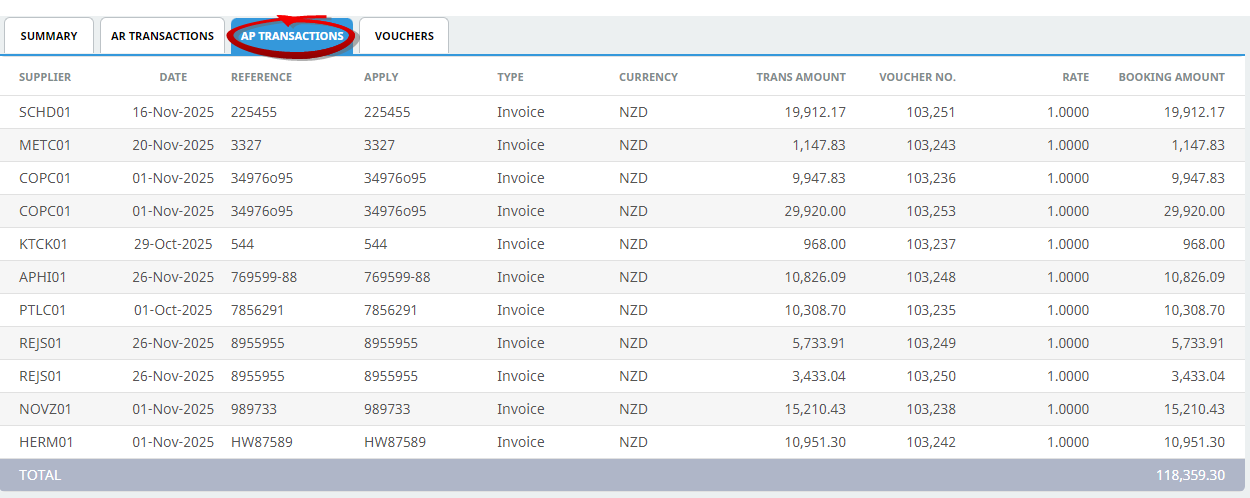
The Tour Window provides a number of views that summarise transactions over the entire booking. There are currently four views available, accessed from menu Groups > Operations and Accounts > Tour Window.
Tabs on the screen allow selection of a particular transaction view.
View Tour Window Information
- Search for and retrieve a booking to work with. If this hasn't been done already, see Retrieve an Existing Group Booking.
-
Select menu
 Groups > Operations and Accounts > Tour Window.
- Click the Groups hamburger menu to open it:

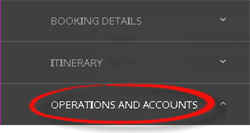
- Click the Operations and Accounts menu option to expand it:

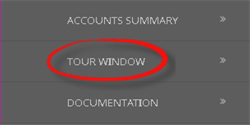
- Click Tour Window to show a tabbed view of various summaries, AR and AP transactions, and vouchers:

- Click the Groups hamburger menu to open it:
- The Summary Tab will open, the other tabs available are:
- Summary
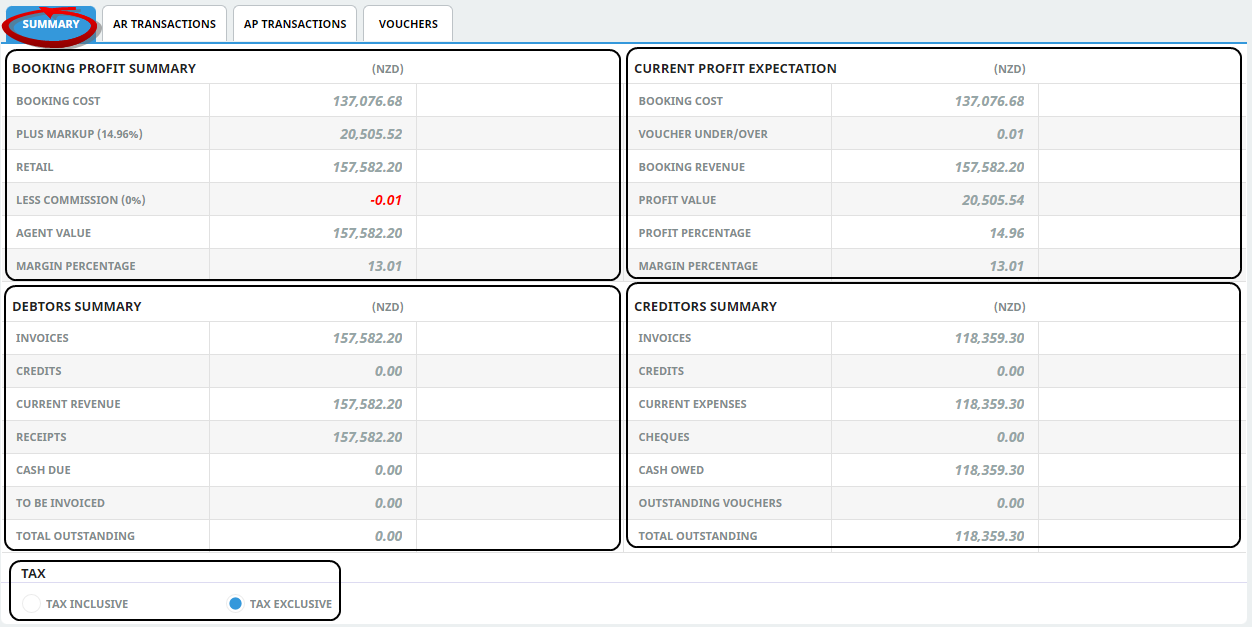
NOTE: Summary totals can be displayed with or without tax - simply click the relevant Tax radio button (Tax Inclusive or Tax Exclusive).
- Vouchers
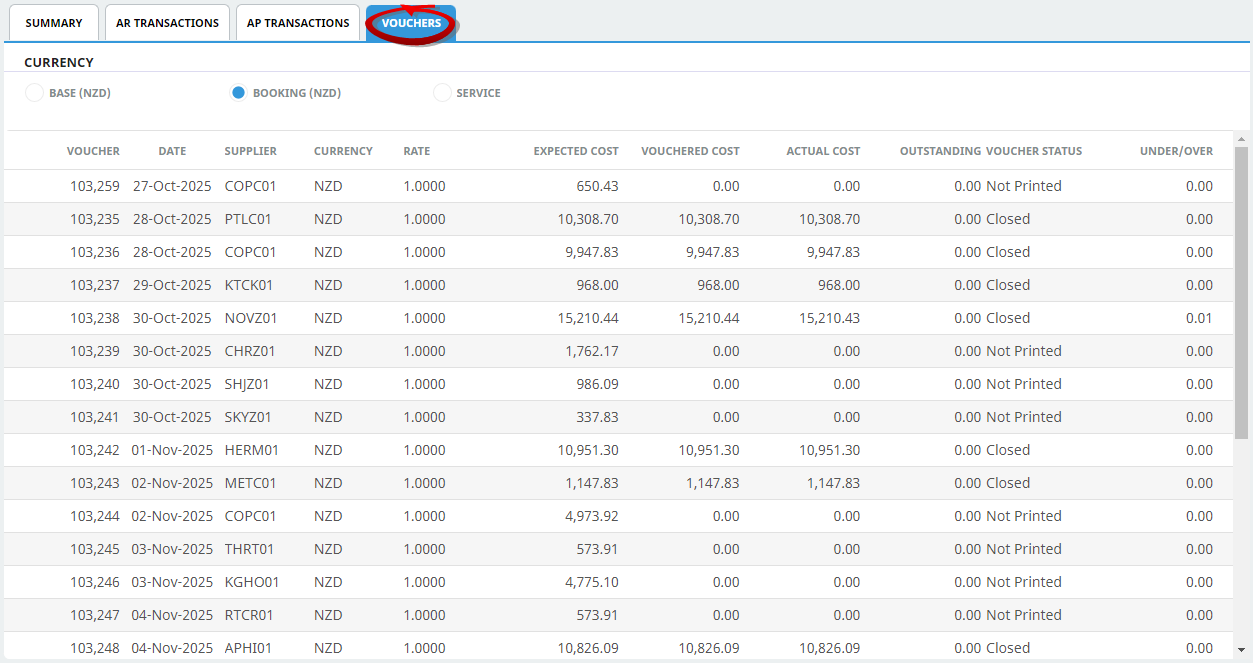
NOTE: There are three options for choosing a currency in which to list Voucher transactions - simply click the relevant Currency radio button (Base, Booking or Service):
Base currency is the currency that final accounting is done in - normally the currency of the user company's country.
Booking currency is the currency that is in the Booking Header (Booking Details screen).
Service currency is cost currency of the service in the product database. When Service Currency is selected, the Total row does not display. This is because the service currencies may not be consistent, so a total would be irrelevant.


For more information about column headings refer to the Appendices - Tour Window Column Headings