Loading interactive content…
This is the last of six tasks described in this user manual for viewing or changing the following:
- Information about accounts, invoices and the tour window
- Operations details, including documentation, messaging and contacts
NOTE: The numbering is simply for reference - there is no particular order in which tasks need to be completed and, depending on the booking, they might not all be needed.
The full list is:
The Contacts screen displays all contacts for a booking.
View booking Contact Details
- Search for and retrieve a booking to work with. If you haven't done this already, see Retrieve an Existing Group Booking.
-
Select menu
 Groups > Operations and Accounts > Contacts.
- Click the Groups hamburger menu to open it:
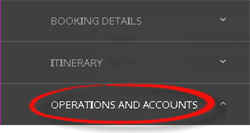
- Click the Operations and Accounts menu option to expand it:

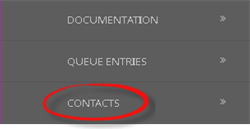
- Click Contacts to show supplier/agent contact details:

- Click the Groups hamburger menu to open it:
-
On thecontact details screen (left-hand side), select a service line under Supplier/Agent Name and expand the relevant section on the right-hand side.
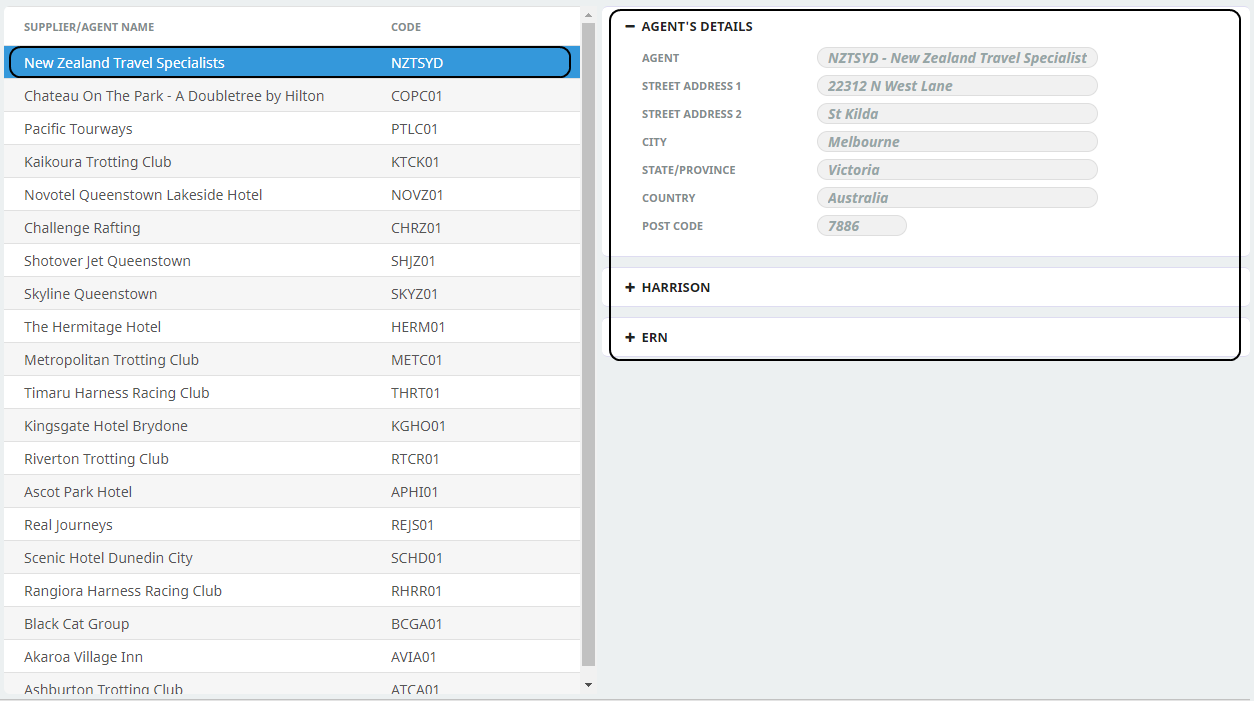
In the example above, the service line selected on the left-hand side is New Zealand Travel Specialists and one of the three sections available on the right-hand side is expanded. Individual contact details attached to the Agent are available by expanding the contact name.
NOTE: Click the - (minus) icon in the section header label to collapse and the + (plus) icon to expand.