
Loading interactive content…
Limited amendments only can be made to a General Ledger Account once it has been created. The ability to change is even more limited if there are transactions posted to the account.
Amend a GL Account
-
From the Home menu, select
 Financials > General Ledger.
- Click the Home Menu to expand it:

- Click the Financials menu option to expand it:

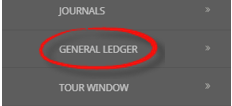
- Click General Ledger to go to the General Ledger application:
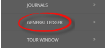
- Click the Home Menu to expand it:
-
TheGeneral Ledger screen will display with the Filter tab open.
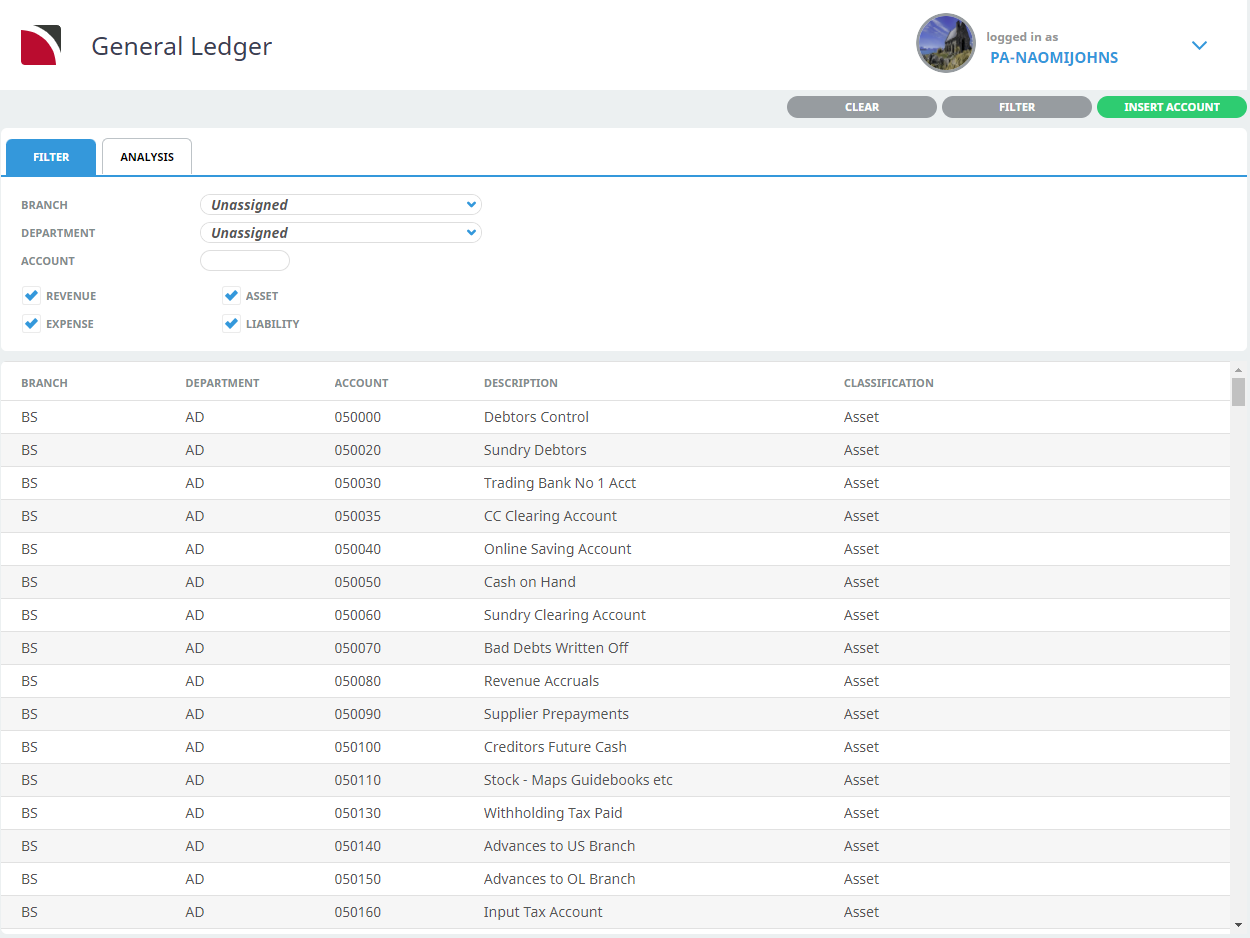
- Select the necessary filter fields to narrow the search criteria.
- Or on the General Ledger screen, click the account to amend (in this example BSAD050020 - Sundry Debtors).
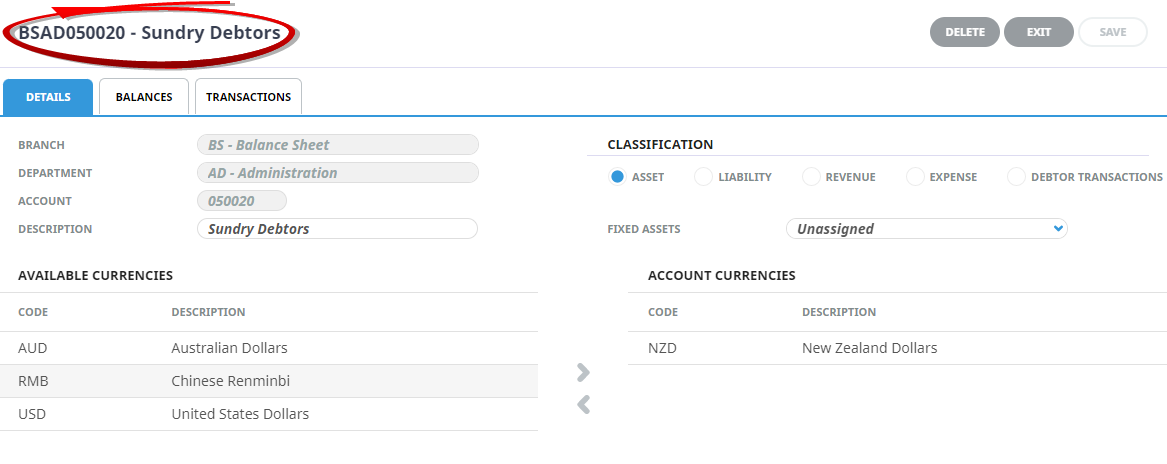
NOTE: The header section of this screen is display only and cannot be amended. Further, the account can be deleted only if there are no transactions posted to it. To delete an account, click the grey Delete button. Confirmation of the delete is required. If postings are present, an error message displays advising that postings are present and deletion is denied.
The Delete button is only live when the Details tab is the active tab. - Amend any details (that can be modified) as required and click Save.


About General Ledger Details
Branch
Cannot be changed.
Department
Cannot be changed.
Account
Cannot be changed.
Description
Can be edited.
Classification
Can be changed.
Currencies Available
New currencies can be added to the Account Currencies.
Account Currencies
Can only be removed if there are no transactions in that currency posted to the account.