This chapter describes the tasks needed to enter additional Supplier information.
Once you have created a Creditor from the Product Menu > Supplier Setup (or Financial Menu > Creditors - Create Creditor) additional information can be inserted and stored against the Supplier. The Supplier must be selected from the Product Setup Menu to display the Supplier Menu.
Information such as supplier amenities, supplier contacts or the setup of allocations can be inserted and stored against the Supplier.
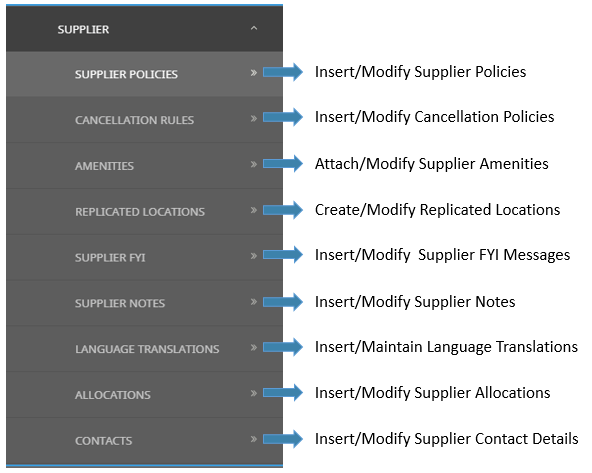
Supplier Menu
The following graphic shows the Supplier menu matched with corresponding procedures in the Product User Manual.