Loading interactive content…
Offset Balance Between AR & AP
It is possible for the same business partner to play more than one role. An agent might sell your products to customers while also supplying services to you. From an accounting perspective, this means the partner can appear in your system as both a Debtor (Accounts Receivable) and a Creditor (Accounts Payable).
In Tourplan, Debtors and Creditors are managed in separate applications and are not automatically linked. Because of this, balances cannot be netted off directly. Instead, finance teams use a contra process through the General Ledger to offset amounts cleanly and accurately.
This article explains the:
-
concept
-
setup
-
practical steps for offsetting AR and AP balances in Tourplan
Written especially for finance staff and beginner accountants.
Setup General Ledger, Receipt Type and Payment Type for AR AP Conta
-
Open the General Ledger
 Financials > General Ledger
- Click the Home Menu to expand it:

- Click the Financials menu option to expand it:

- Click General Ledger to go to the General Ledger application:
- Click the Home Menu to expand it:
-
Insert a General Ledger for AR AP Contra.
-
OpenCode Setup > Debtors > Receipt Type.
- Click the Code Setup menu to expand it:

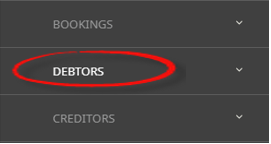
- Click the Debtors menu option to expand it:

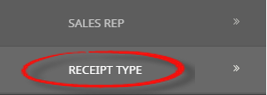
- Click Receipt Type to open the Receipt Type screen:
- Click the Code Setup menu to expand it:
-
Insert a Receipt Type and link it to the AR AP Contra General Ledger.
-
OpenCode Setup > Creditors > Payment Type.
- Click the Code Setup menu to expand it:
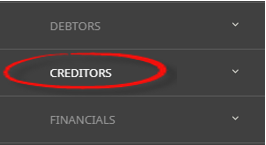
- Click the Creditors menu option to expand it:

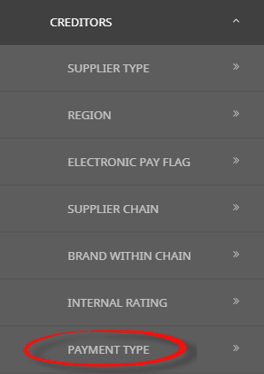
- Click Payment Type to open the Payment Type screen:

- Click the Code Setup menu to expand it:
-
Insert a Payment Type and link it to AR AP Contra General Ledger.



Sample scenario
There is a receivable amount of USD1000.00 with Agent XYZ Tour and Travel. We are not receiving this amount as we owe payment of USD1000.00 to XYZ Tour and Travel Creditor.
There is an outstanding Invoice for Creditor XYZ Tour and Travel.
Offset an outstanding amount between AR and AP using the Contra General Ledger
-
Open the Debtors application, locate the Debtor.
-
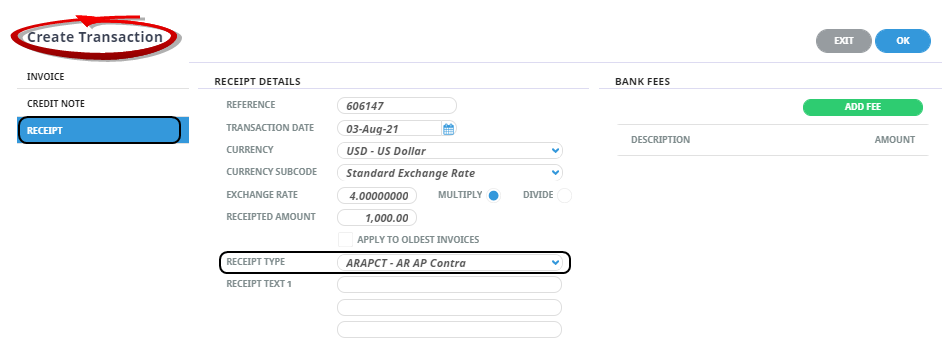
Insert aDebtors Receipt using Receipt Type AR AP Contra.
-
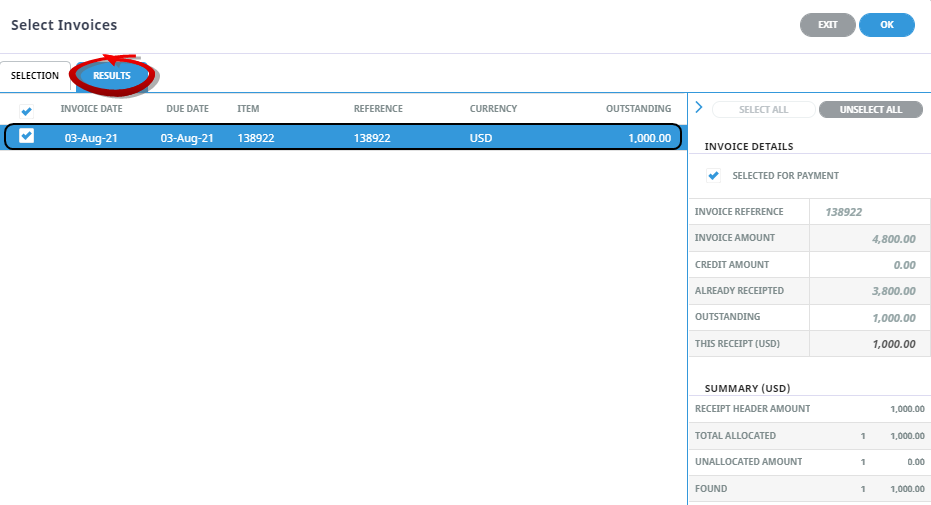
Select theAR Invoice for payment.
-
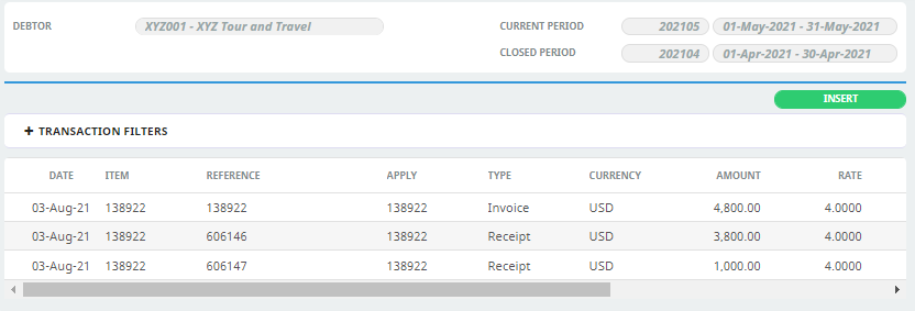
Preview theAR Transactions screen.
-
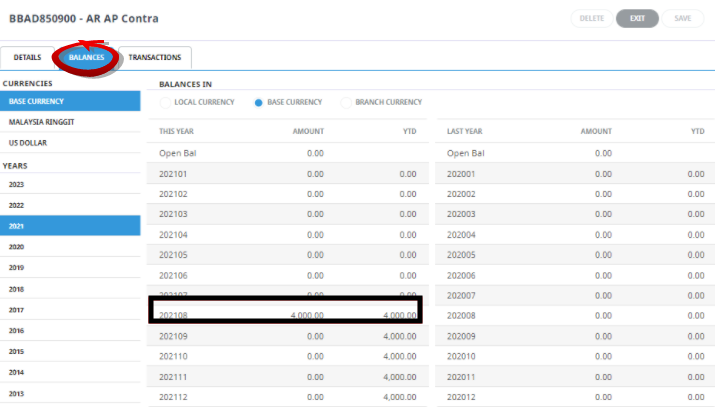
Check there is aBalance in the GL before paying the Creditors outstanding.
-
Open the Creditors application. Locate the Creditor.
-
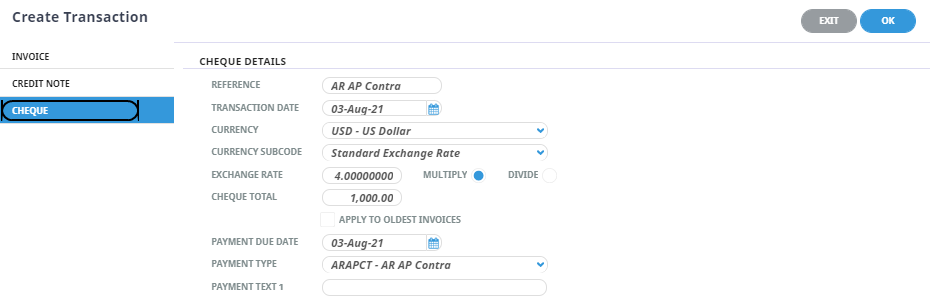
Insert aCheque within the Creditor using Payment Type AR and AP Contra.
-
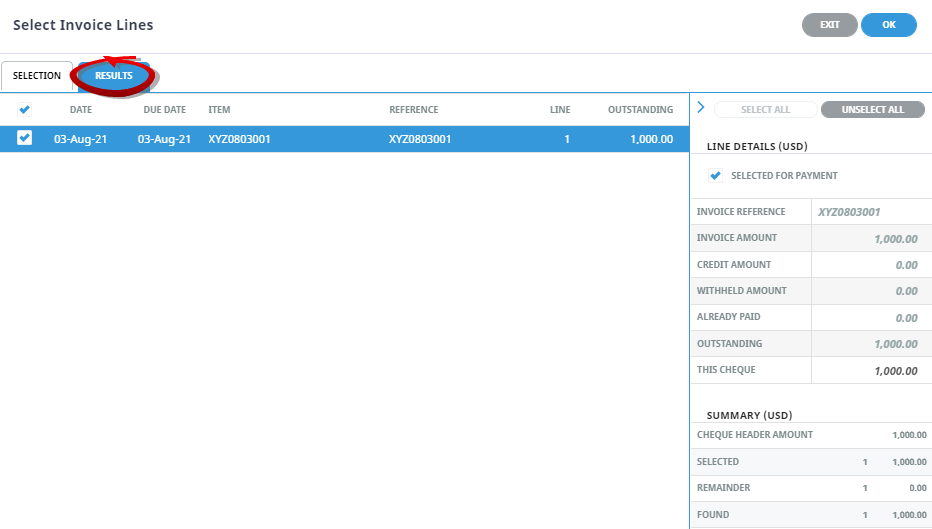
Select theAP Invoice for payment.
-
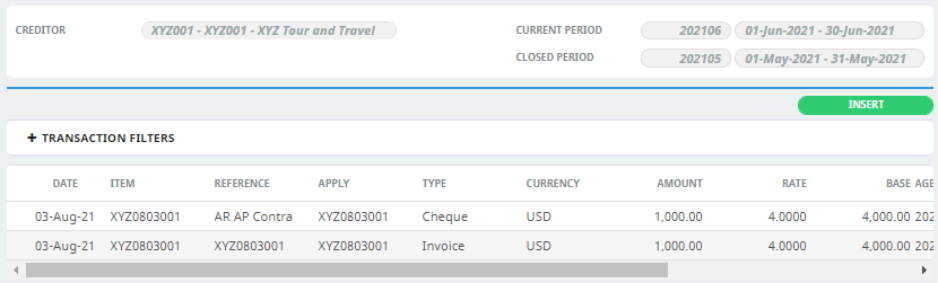
Preview theAP Transactions.
-
Open the General Ledger.
-
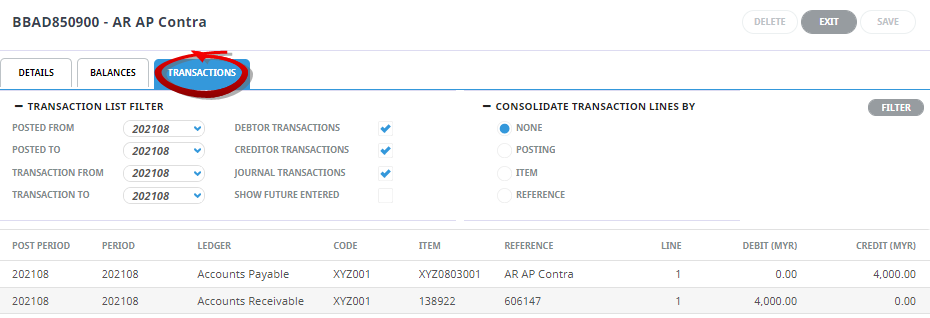
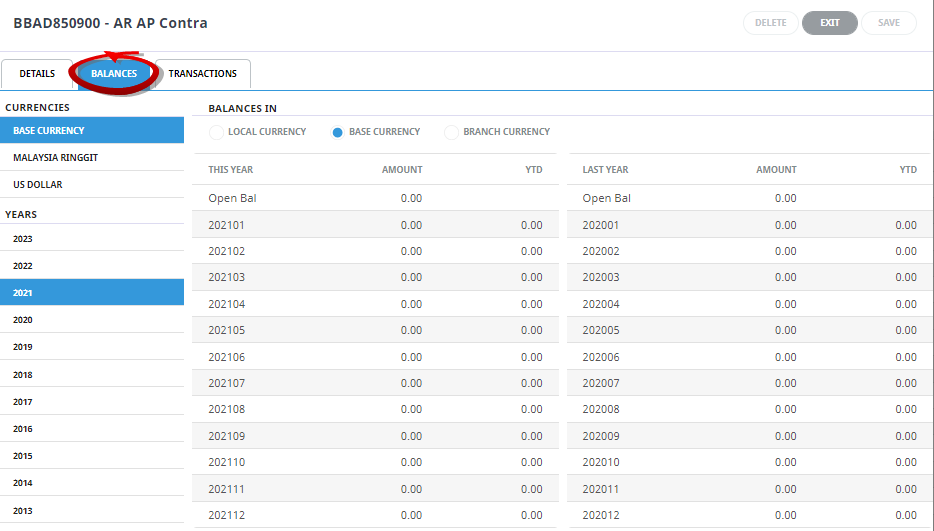
Net Effect atGeneral Ledger Balance is offset to 0.00.
-
Detailed entries can be found fromTransactions tab.