Loading interactive content…
Extend Calendar Period
How do I extend a calendar period?
Inserting and extending calendar periods is a system-wide procedure preformed from within the System Setup application.
Insert / Extend Calendar Periods
-
From the Home menu, select
 Home > System > Code Setup.
- Click the Home menu to expand it:

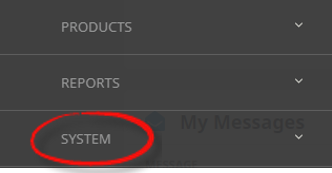
- Click the System menu option to expand it:

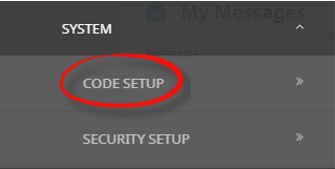
- Click Code Setup to go to the Code Setup menu:

- Click the Home menu to expand it:
-
From the Code Setup menu, selectFinancials > Calendar.
- Click the Code Setup menu to expand it:

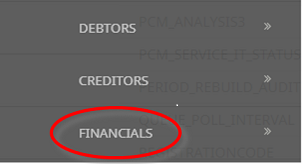
- Click Financials to expand the Financials menu:

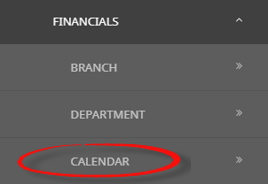
- Click Calendar to open the Calendar screen:

- Click the Code Setup menu to expand it:
-
On theCalendar list screen, if the Accounting Year that you want is not already in the list, click Insert.
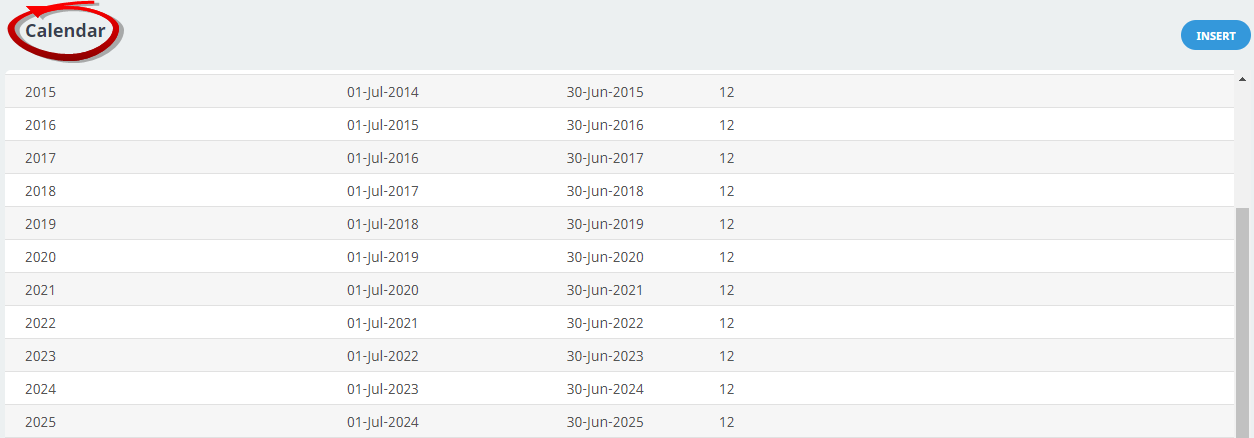
-
On theCalendar Periods screen, the accounting year, periods in year will default from the previous calendar period, review the Accounting Year, and Periods In Year fields to ensure they have populated correctly.
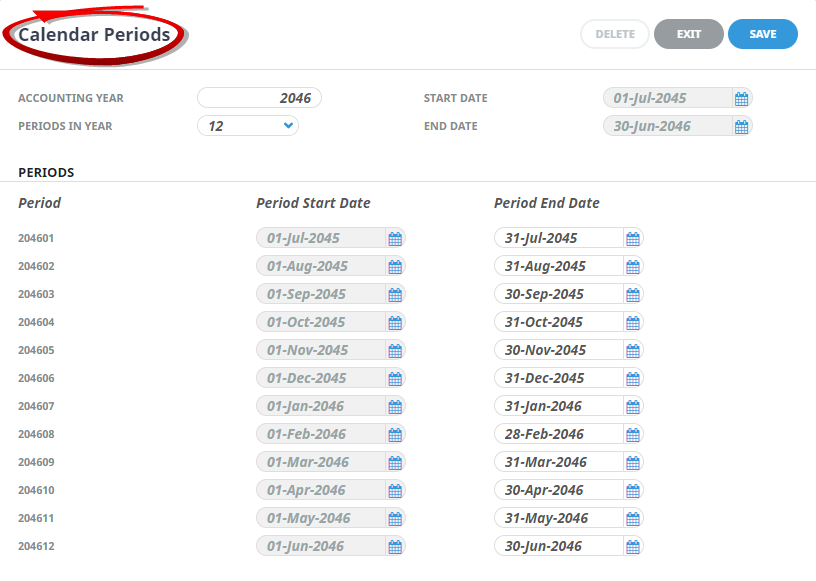
- Review the completed screen.
-
ClickSave to keep the changes.

-
ClickExit to discard any changes.