
Loading interactive content…
The Tourplan Resourcing application allows resources to be defined. Categories for these resources are also defined and then applied to each resource. The Operations application allows resources to be assigned to booking services.
This section of the document includes procedures on the Code Setup requirements of resourcing. Operational details on creating resource assignments are in the Operations User Manual.
Driver/Guide/Vehicle Categories must be set up prior to setting up Drivers, Guides or Vehicles.
The Code field cannot be changed. Records cannot be deleted if they have been used in Resource Assignments.
Create a Resource
-
From the Home menu, select
 Home > System > Code Setup.
- Click the Home menu to expand it:

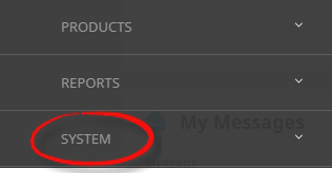
- Click the System menu option to expand it:

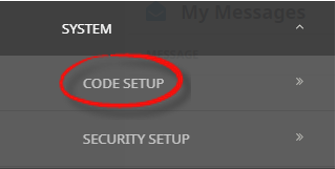
- Click Code Setup to go to the Code Setup menu:

- Click the Home menu to expand it:
-
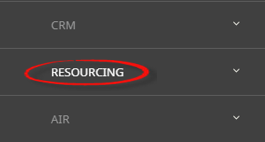
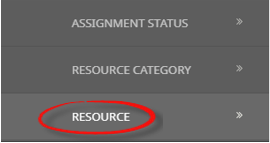
From the Code Setup menu, selectResourcing > Resource.
- Click the Code Setup menu to expand it:

- Click Resourcing to expand the Resourcing menu:

- Click Resource to open the Resource screen:

- Click the Code Setup menu to expand it:
-
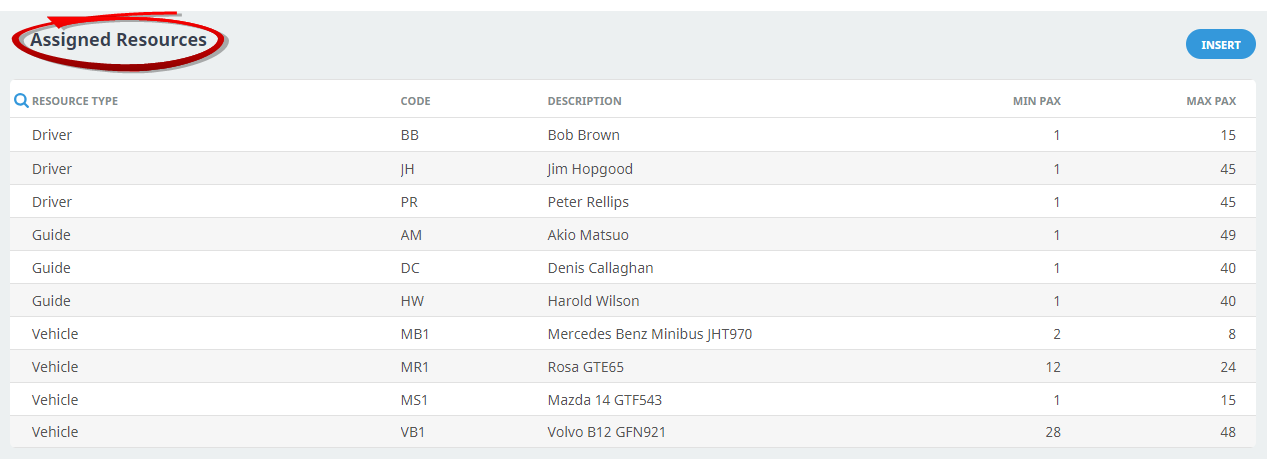
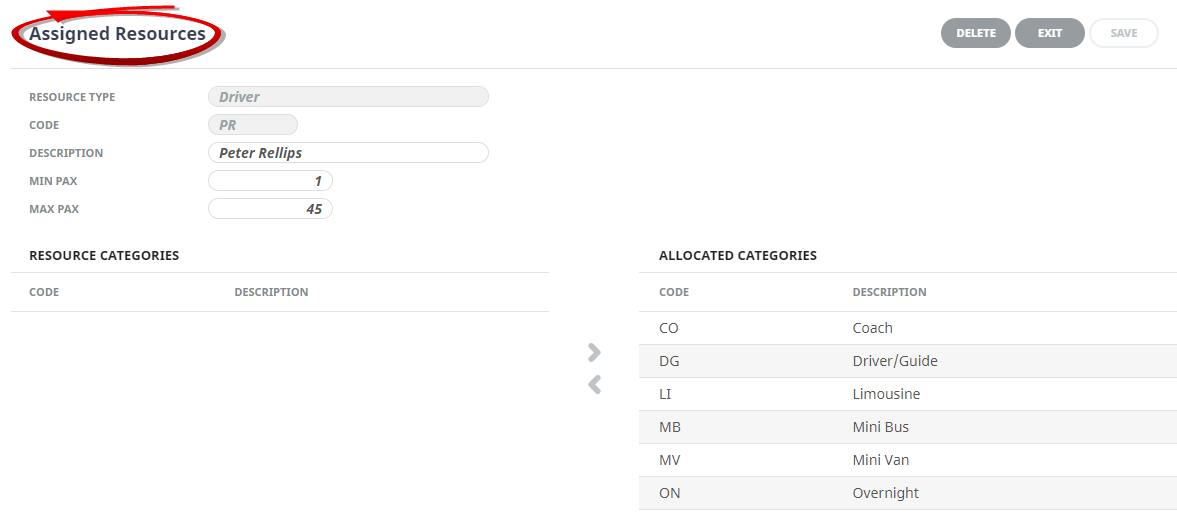
On theAssigned Resources screen, if the Resource required is not already in the list, click Insert.
-
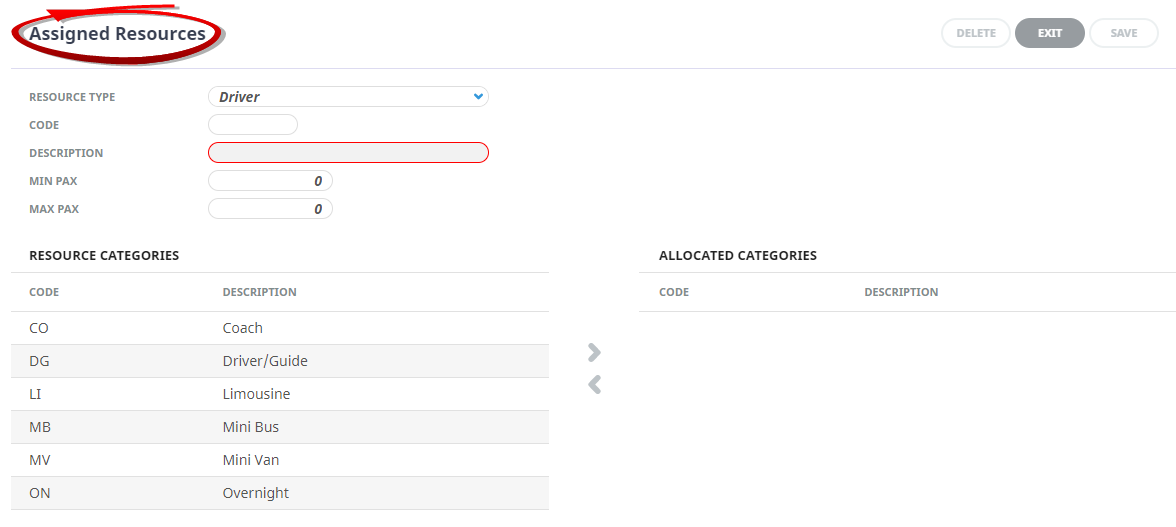
On the blankAssigned Resource screen, select a Resource Type, enter a Code and Description.

-
Keeping with the blankAssigned Resources screen, enter Min Pax and Max Pax numbers, and select the required Resource Category to the Allocated Categories column using the
 button.
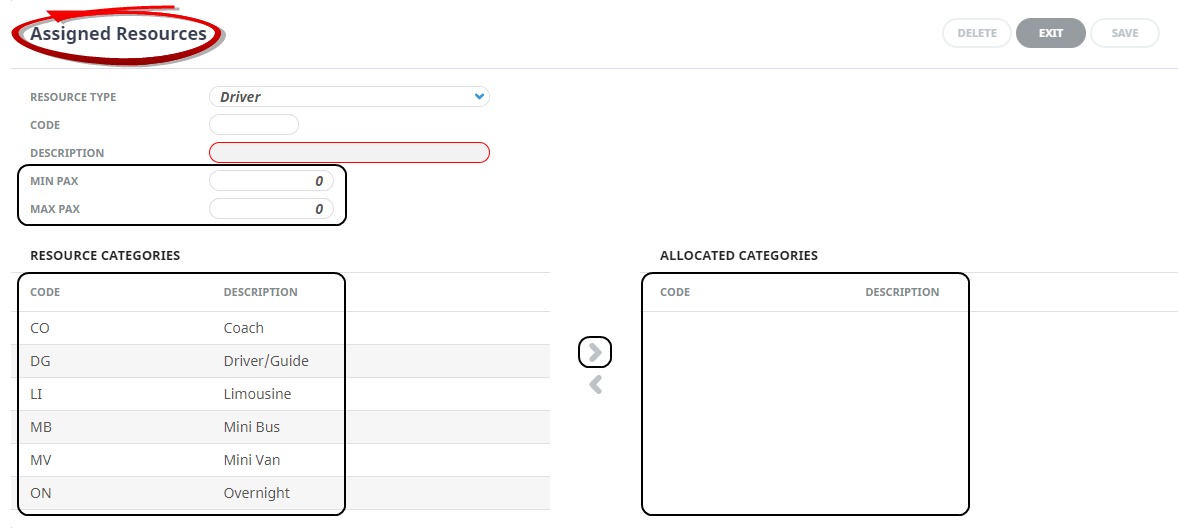
- Review the completed screen.
-
ClickSave to keep the changes.

-
ClickExit to discard any changes.



About Resource Fields
Resource Type
This field will default to DriverDriver with selection of Guide, or Vehicle also available. The selection should be made as per the resource category requirement.
Code
A code for the Resource record. For a Driver or Guide this could be the initials of the person, and for a Vehicle it could be a unique code relevant to the vehicle. This field will allow up to 6 characters.
Description
The Resource description. For a Driver or Guide this could be the name of the person, and for a Vehicle resource type this could be a vehicle description and/or registration number. This field will allow up to 60 characters.
Min Pax/Max Pax
A numerical number is required if the resource (e.g. the Driver) has limitations on the size of (e.g.) the vehicle(s) they are able to drive the limitations can be expressed in the Min/Max pax fields. If a driver is only licensed for Limousines, then the Min/Max could be 1–4. The driver would not be able to be assigned to e.g. a group of 15 pax.
Resource Categories/Allocated Categories
Available defined categories will display on the left hand column under Resource Categories. These will differ depending on whether Drivers, Guides or Vehicles are being set up. If the resource category is not available, it will need to be defined as an available resource category. Instruction on setting up rescource categories can be found here. To add a Resource Cagegory to the Allocated Categories column, use the button. To remove an Allocated Category from the resource, highlight the category and use the  button.
Search Icon 
There is a search icon located next to the column 'Resource Type' heading. This allows users to quickly search the Assigned Resources application for an existing entry. An additional search field will enable users to insert text to search, and previous and next (up and down) buttons identify entries which match the search criteria.
