
Loading interactive content…
Bulk Close Vouchers with 0.00 value
How do I bulk close vouchers with a 0.00 value?
Closing a voucher with a 0.00 value is an important accounting control to formally complete the transaction lifecycle, even when no payment is due. It confirms that the service has been delivered, cancelled, or fully offset, and that no further charges or credits will be applied.
A bulk close booking management feature is available to filter results for services or bookings with a 0.00 value. You can then close all vouchers displayed in the results screen, or you can select multiple vouchers to close in a bulk process.
Close all vouchers with a 0.00 value
-
Open the Close Voucher menu
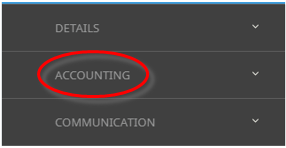
 Financials > Accounting > Booking Management > Close Vouchers.
- Click the Home Menu to expand it:

- Click the Financials menu option to expand it:

- Click Accounting to go to the Accounting menu to expand it:

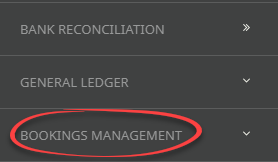
- Click Bookings Management to go to the Bookings Management menu to expand it:

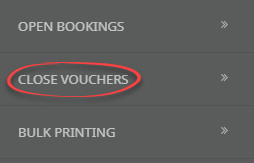
- Click Close Vouchers to go to the Close Vouchers filter screen.

- Click the Home Menu to expand it:
-
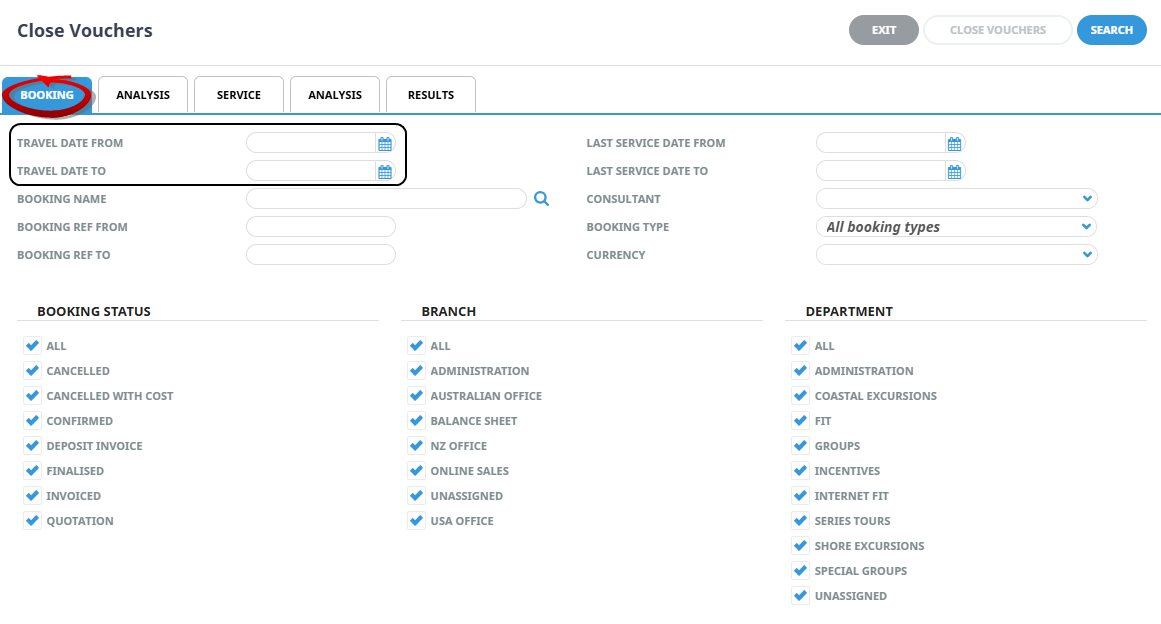
On theBooking Tab, filter by Travel Date To/From.
-
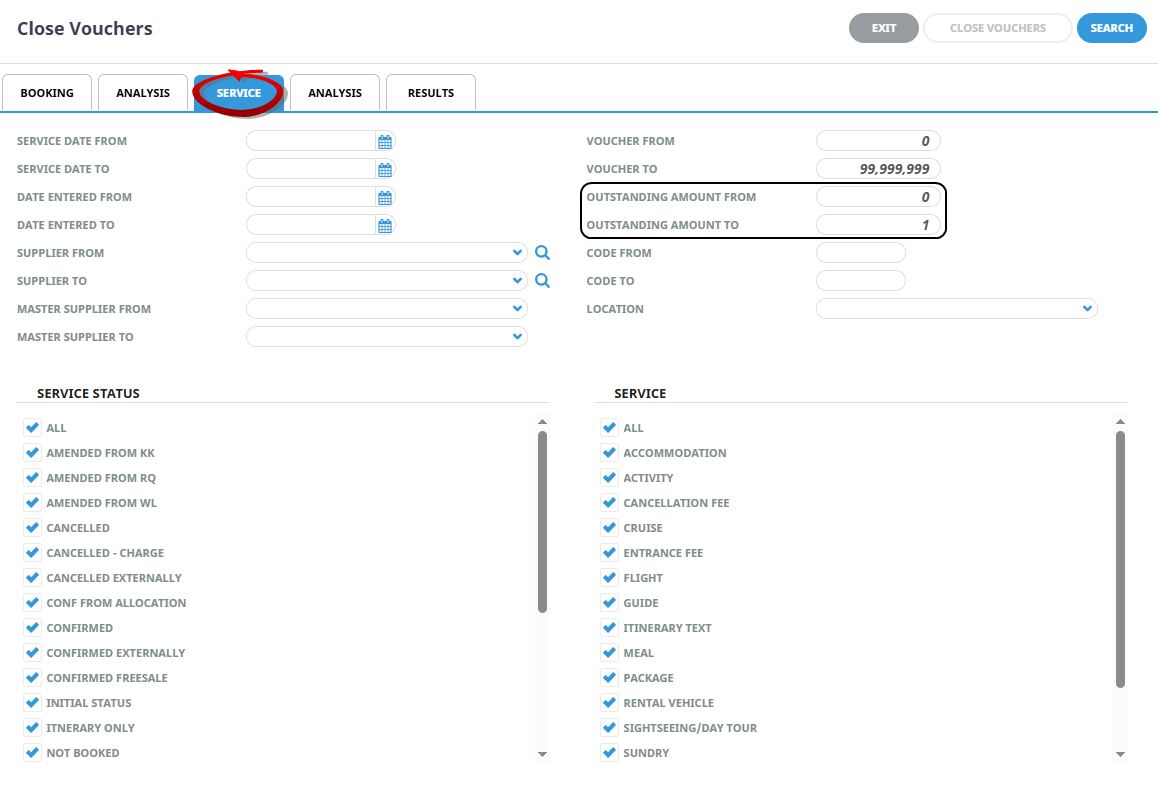
Click on theService Tab, filter by Outstanding Amount From '0' to Outstanding Amount To '1'.
-
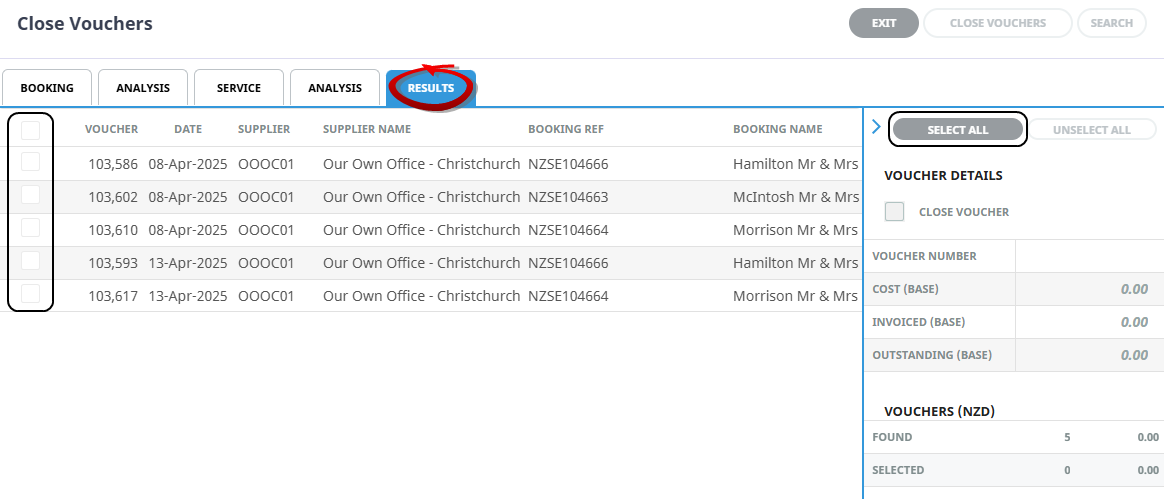
On theResults Tab, Select All and click Close Vouchers.


For more information on this topic see Close Vouchers.