
Loading interactive content…
Rates can be deleted from within each Product or rates can be deleted from the main Rates screen by selecting the check box against each date range. Rates for individual Price Codes within a Date Range can be deleted, or all Price Codes within the Date Range can be deleted.
NOTE: The procedure described here deletes rate information for a specific product. It is possible to delete rate information in bulk (i.e. across many products) - see Rate Maintenance (Delete Rates). Alternatively multiple rate entries can be selected from the rates screen and deleted in bulk using the delete button.
Delete Rate Information for a Product
- Make sure at least one rate has already been added (see Add a Rate).
- Click the Date Range you want to delete (single click only - this opens the date range).
-
Click
 Delete Date Range.

-
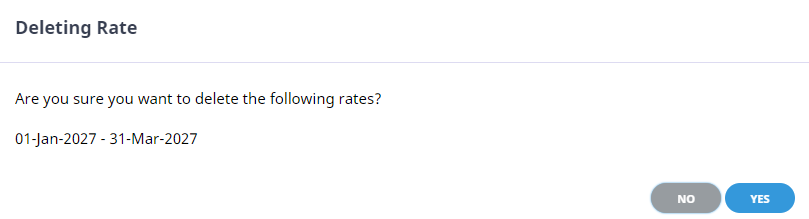
Double-check that this is indeed thedate range you want to delete.
-
To delete the date range, clickYes.
