Loading interactive content…
This utility can be used to amend a branch code.
It should be noted that preforming this change will affect the branch code system wide.
Change Branch Code/s
-
Select menu
 Home > Product > Product Utilities > Code Change > Branches
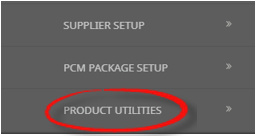
- From Products click the Product Utilities menu to expand it:

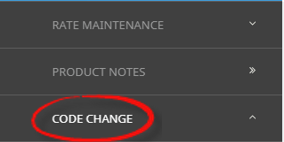
- Select the Code Change menu to expand it:

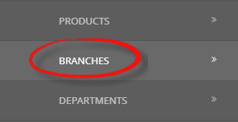
- Select the Branches option open the list of Branch Codes on screen:

- From Products click the Product Utilities menu to expand it:
-
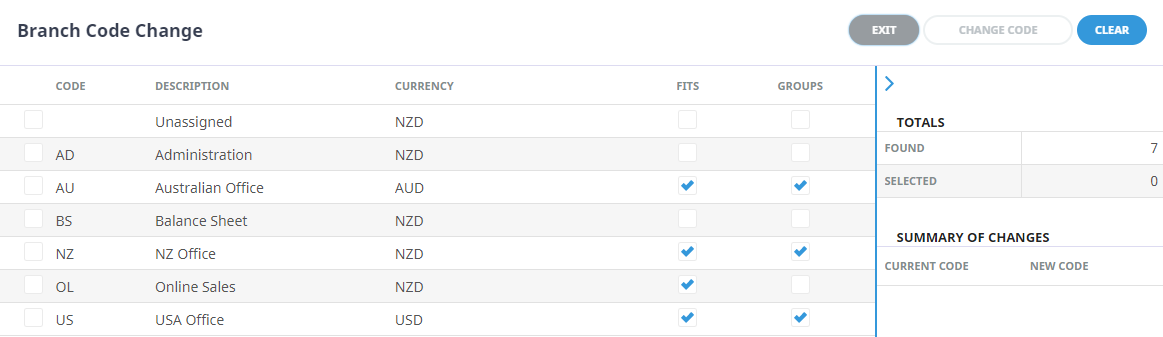
On theBranch Code Change screen, select the Branch.
-
On theEnter Branch Code Change screen, enter the New Code.

- Check the completed screen.
-
ClickOK to keep the changes and save or update the entry.

- The Branch Code Change will re-display, a summary of changes will display the Current Code and the New Code.
-
To accept the change/s, selectChange Code.

-
ClickOK to keep the changes and save or update the entry.