
UI Size Explained
Can I change the onscreen size of the Tourplan NX UI?
Yes, Tourplan can run across a wide range of monitor sizes and resolutions The standard Tourplan NX UI (User Interface) is set to display on screen at a width of 1366px, irrespective of the size of the monitor it is being used on. In NX Version 2, the UI can be configured to adjust to the size of the screen on which it is displayed.
Configuring the NX UI this way can minimise the amount of scrolling required on screen, as well as make the UI more visually accessible for users.
NOTE: This setting does not change the Tourplan NX screen layouts, but it does change the relative position of the onscreen elements.
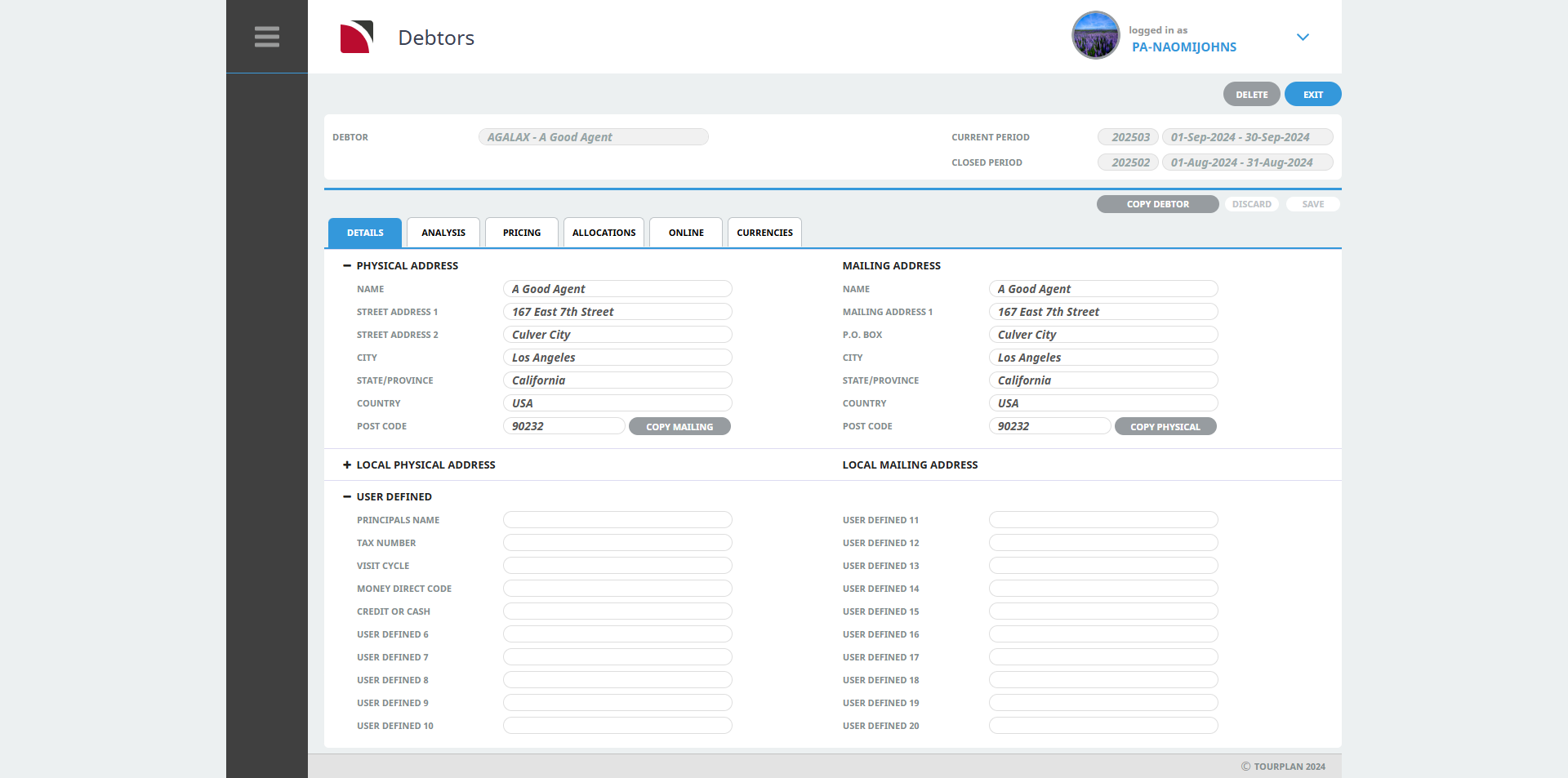
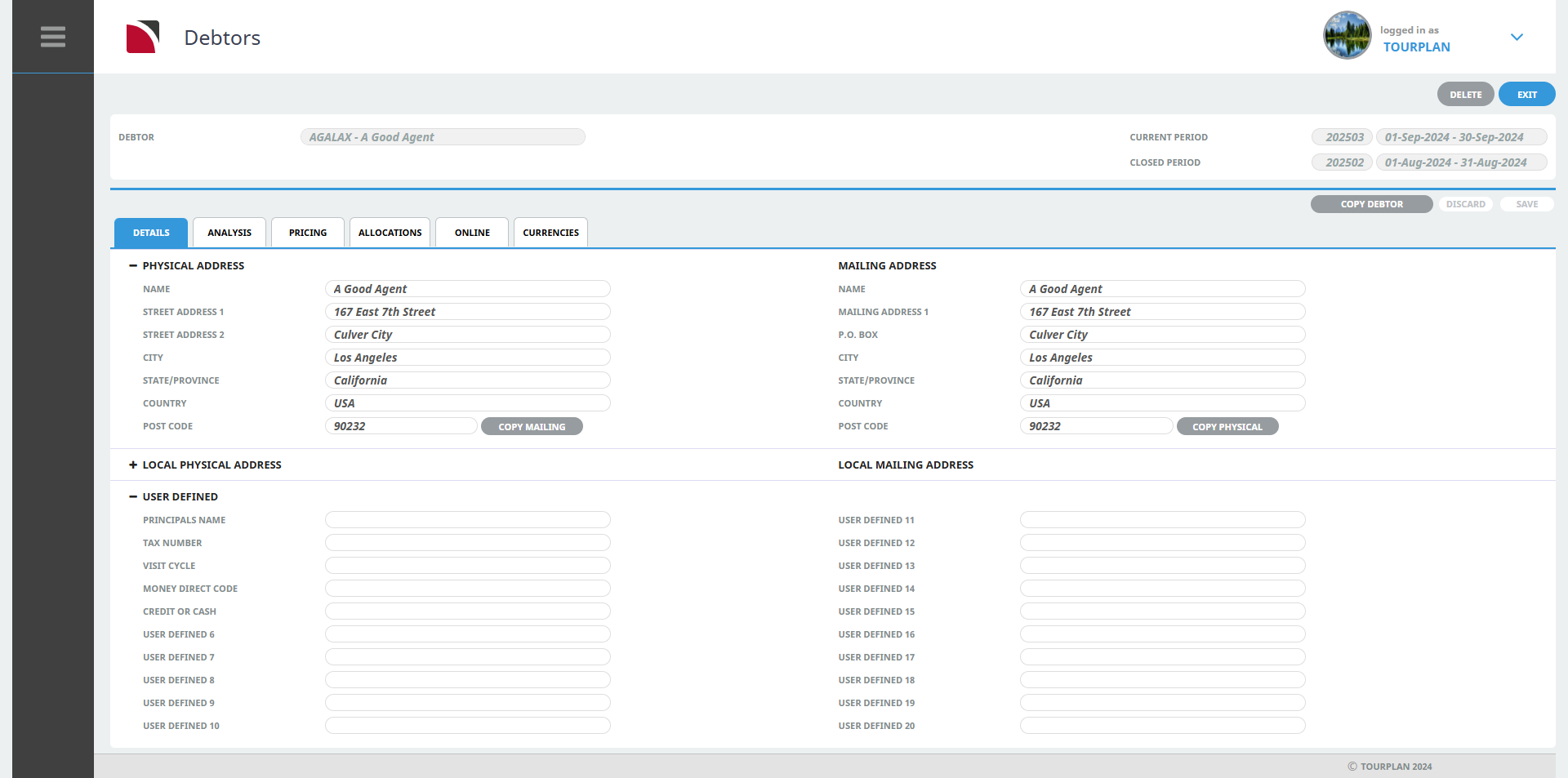
For example, here is the Debtors Details screen with the standard display setting verses an adjusted responsive setting:
Standard Display
Responsive Display
NOTE: To learn more about this see - Screen Size Settings.