
Agent Logo on Messages
Can I create agent messages with individual logos?
Yes, some organisations may have agents who wish to display their logos on messages sent from Tourplan. For example, agents may provide Tourplan vouchers to their customers, and instead of creating new vouchers with their own logos, they would prefer to receive the vouchers with their logos already included.
This document explains…
-
How to provide documentation to your agents with their logo’s instead of your own.
Configuration
-
Define a Debtor Note Category in Code Setup > Messaging > Notes to be used for agent logos.
-
Insert Logo for Debtor
-
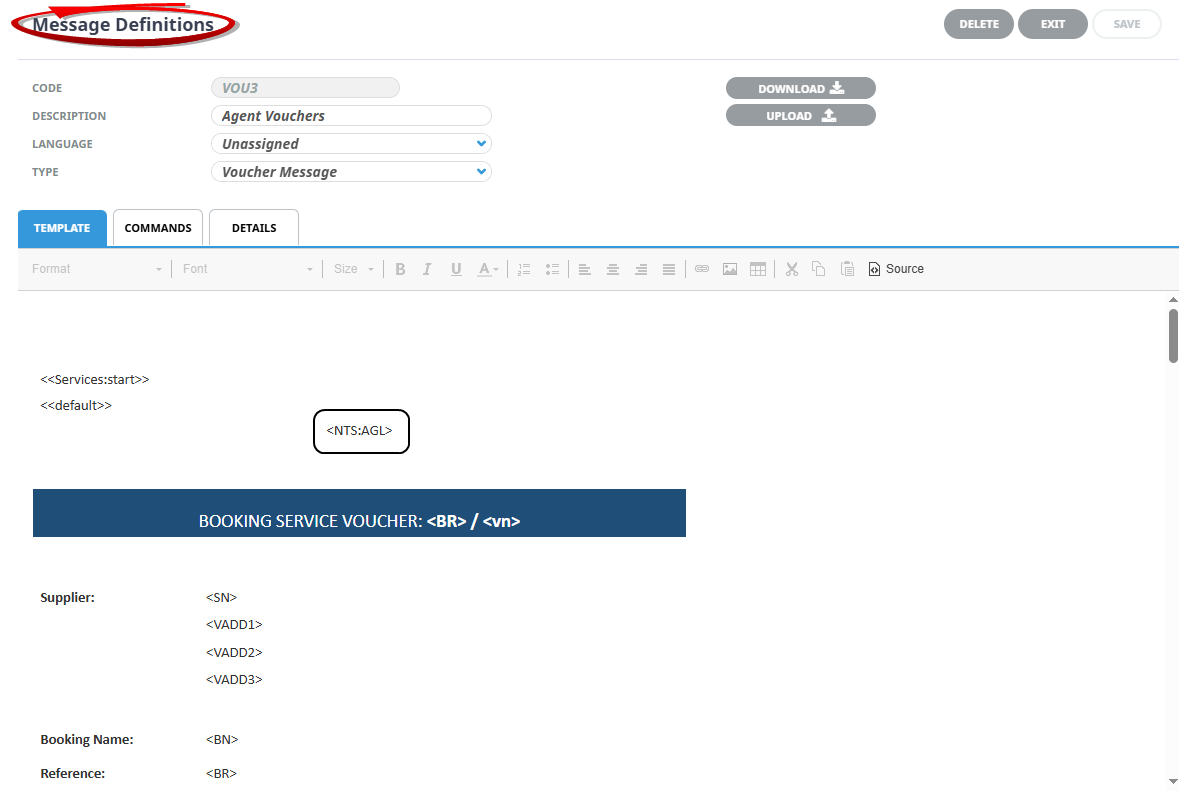
Configure where the Agent Logo needs to be inserted within a Message Definition for the document e.g. the header or tail section.
Debtor Note Category
Code Setup > Notes
Define a Debtor Note Category for agent logos and select the “Include in Message” checkbox.
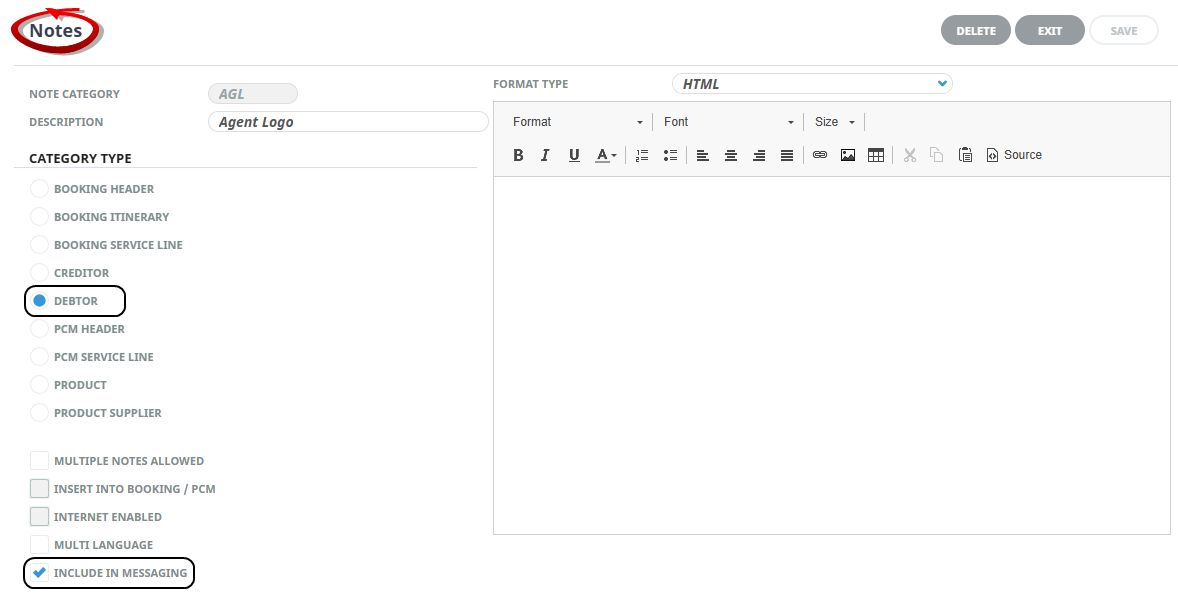
NOTE: The note category and description provided above are only examples. Please create the required code and description based on your company's procedures.
Debtor Note
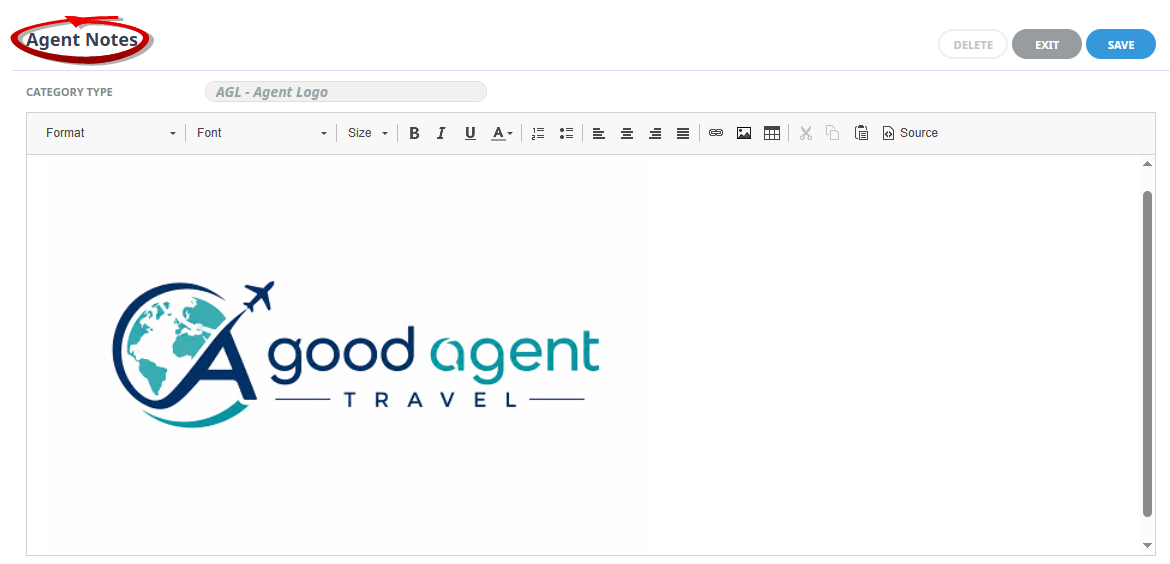
Upload the Agents logo as an Agent Note
-
Open the Debtor .
-
Insert an Agent Note using the note category created above.
-
Upload the Agents Logo.
Message Definition
Enter the note substitution code into the Message Definition. This ensures that when generating the agent message from a booking, the <NTS:???> code will be replaced with the booking agent's logo.
Test Output
Open a booking with the Debtor you have inserted the logo for.
Generate the Documentation - in this example we are generating Agent Vouchers - which is where the Messaging Substitution code is defined to generate the logo.
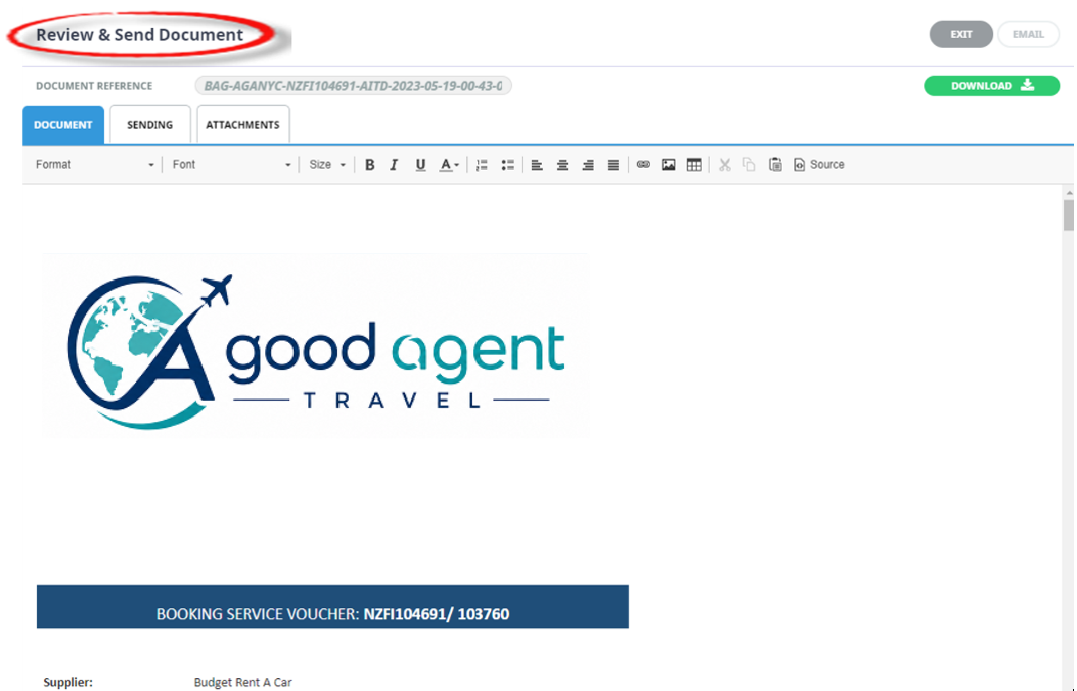
Whenever this agent 'Voucher' message is generated, the system will look to the Debtor Note to see if there is a logo to insert. This solution allows for one Message Definition in Code Setup and substitution of the logo occurs depending on the Debtor logo inserted into the Debtor Note.